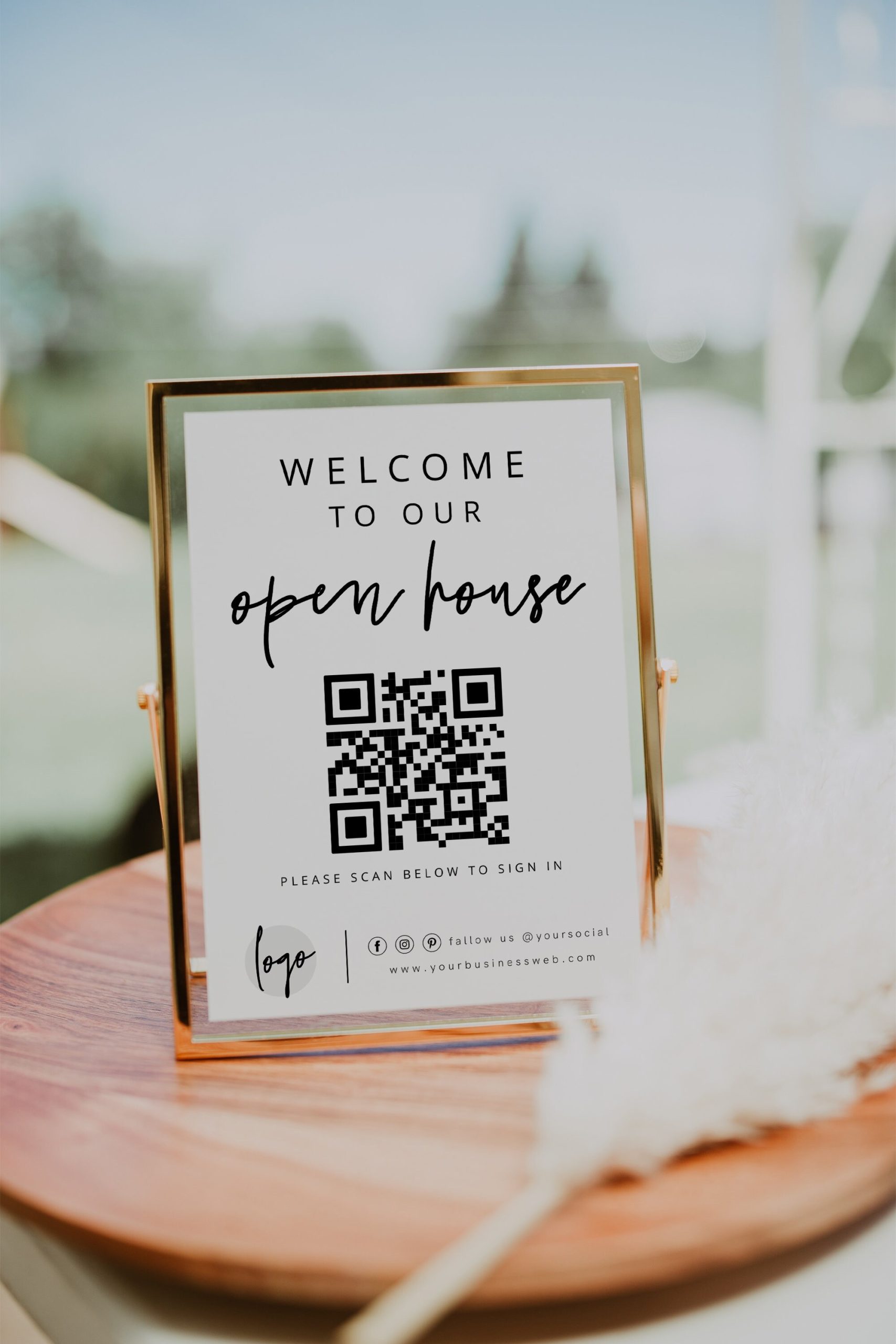
Download & Print Your Template
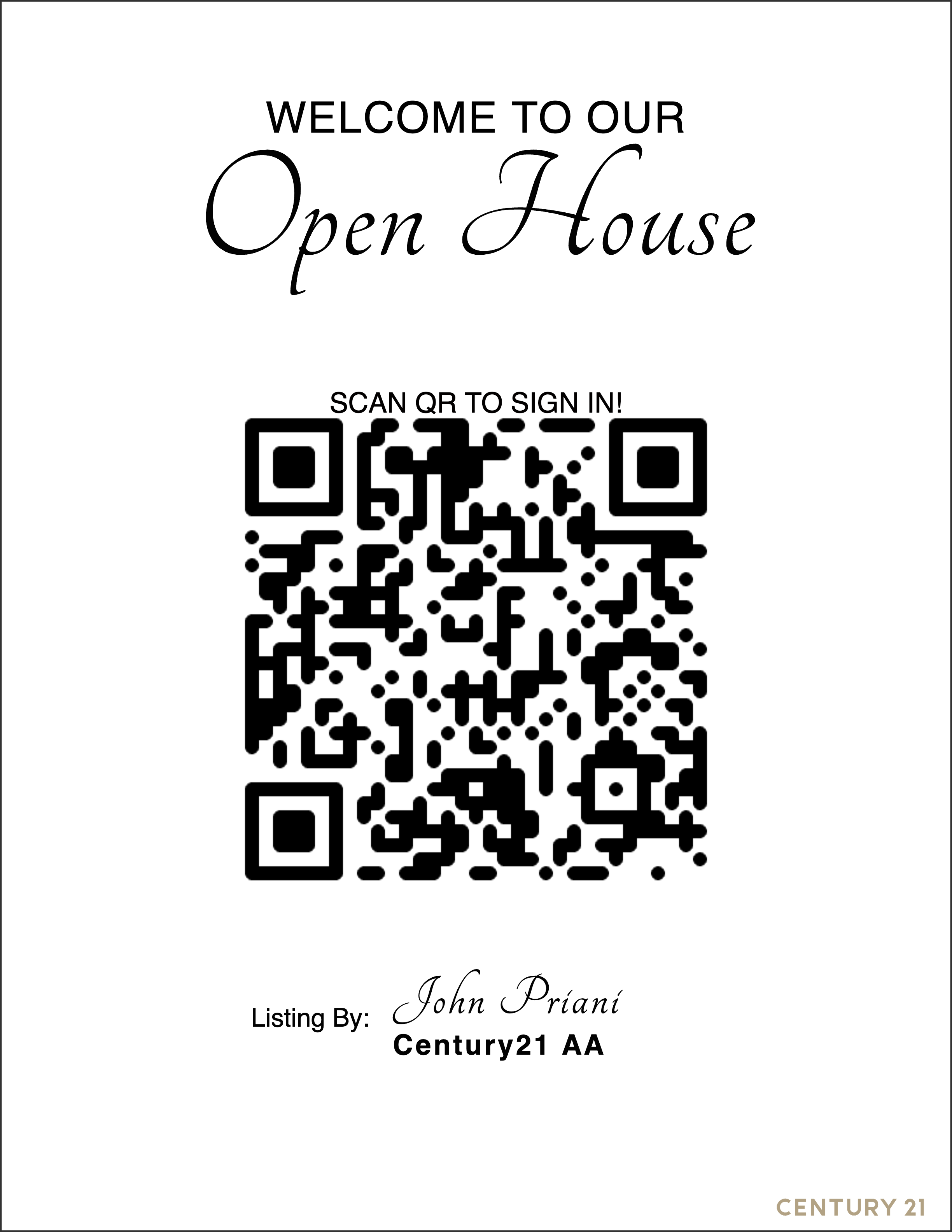
By now, you should have your QR code template downloaded and ready to go. This template is your key tool for seamless visitor sign-in at your open house. If you haven’t downloaded your template yet, don’t worry – it’s a simple process. Just click here for a quick guide on how to select and download the perfect QR code template for your event. Once you have your template, the next step is to print it out. We recommend using high-quality paper or cardstock for a professional look and feel, ensuring that your QR code is easily scannable and prominently displayed for your visitors.
Display The Sign In Sheet Where Visitors Can See
Once your QR code template is printed, the next crucial step is its strategic placement. It’s essential to display the template in a location where it’s easily visible to all visitors as they enter the open house. Consider high-traffic areas or points of entry and exit – spots like the front entrance, registration desk, or any central gathering spaces work well. The goal is to ensure every visitor can effortlessly spot and access the QR code, enabling a quick and convenient sign-in process. Proper placement not only streamlines visitor management but also showcases your attention to detail and professionalism in hosting the event